Guide · Protect PDF
How to Password-Protect a PDF, or Remove a Password You Know
To password-protect a PDF, open Protect PDF, add the PDF, type a password twice and click Protect · download: the new PDF asks for that password before it opens (AES-256). To remove a password you know, open Unlock PDF, add the PDF, type its password and click Unlock PDF. Both happen in your browser; neither the PDF nor the password is uploaded.
On this page
Protect a PDF with a password
Add the PDFs
Open Protect PDF and click Choose PDFs, or drag them in: up to 20 PDFs, up to 100 MB each.
Type the password twice
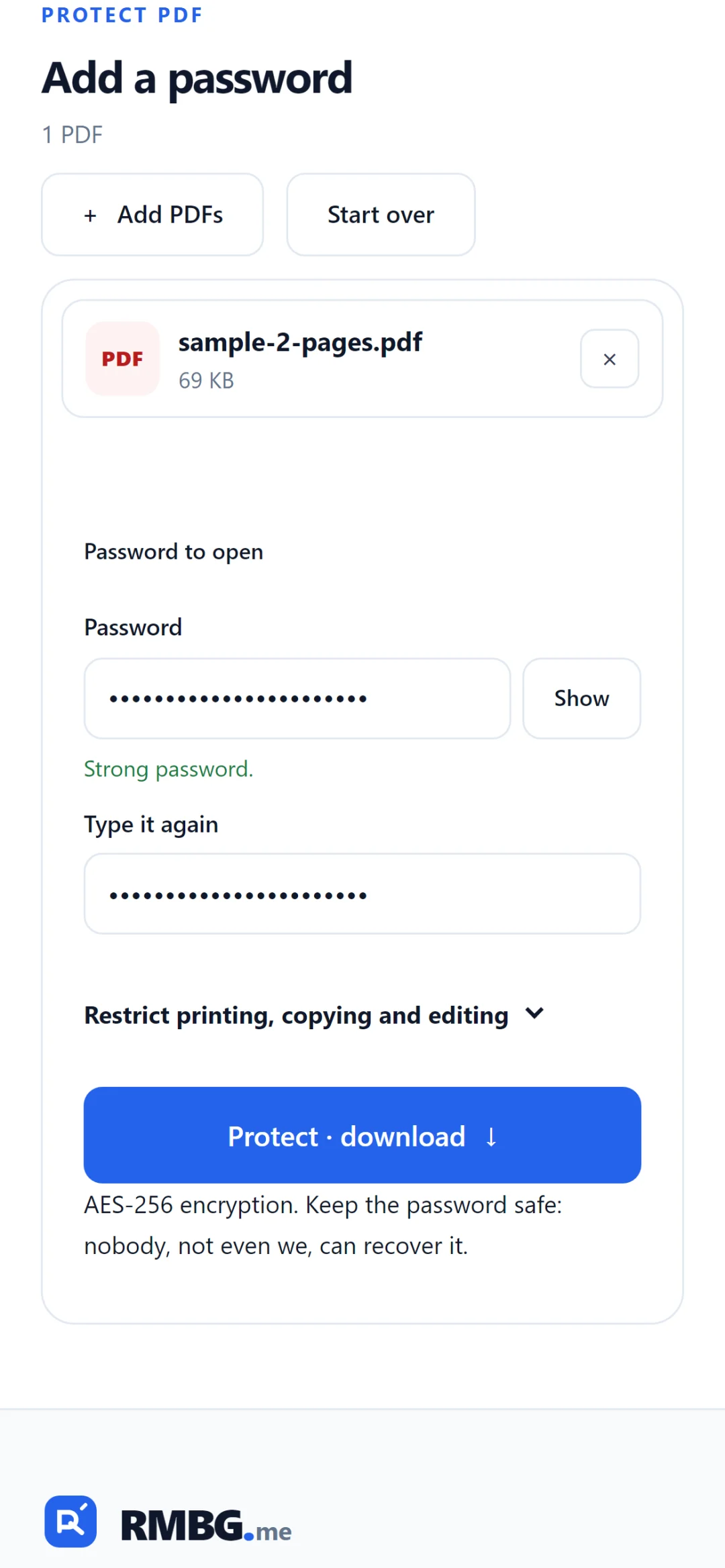
Under Password to open, type the password, then Type it again. A note rates it, from "Weak: use at least 8 characters, or a few words" to "Strong password". The button stays off until both entries match; if they differ, you see "The passwords are not the same."
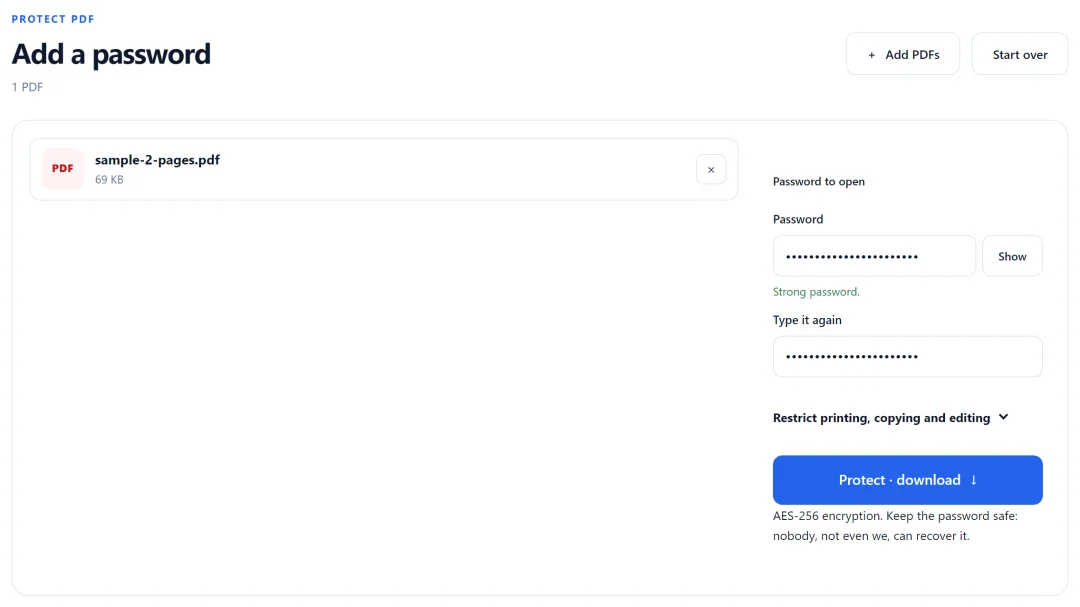
Choose restrictions (optional)
Allow printing, Allow copying text and images and Allow changes are ticked. Untick any you want to block once the PDF is open.
Download
Click Protect · download. One PDF is saved as name-protected.pdf; several come in one ZIP (Protect · download 2 PDFs (ZIP)).
How strong is the protection?
The PDF is encrypted with AES-256, the strongest encryption in the PDF standard (we checked the saved file). The real strength is the password: use a long one, such as four unrelated words. Print, copy and edit restrictions are different: they ask PDF readers not to allow those actions after the file is opened. Most readers respect them, but not all, so do not rely on them alone.
Remove a password you know
Add the PDF
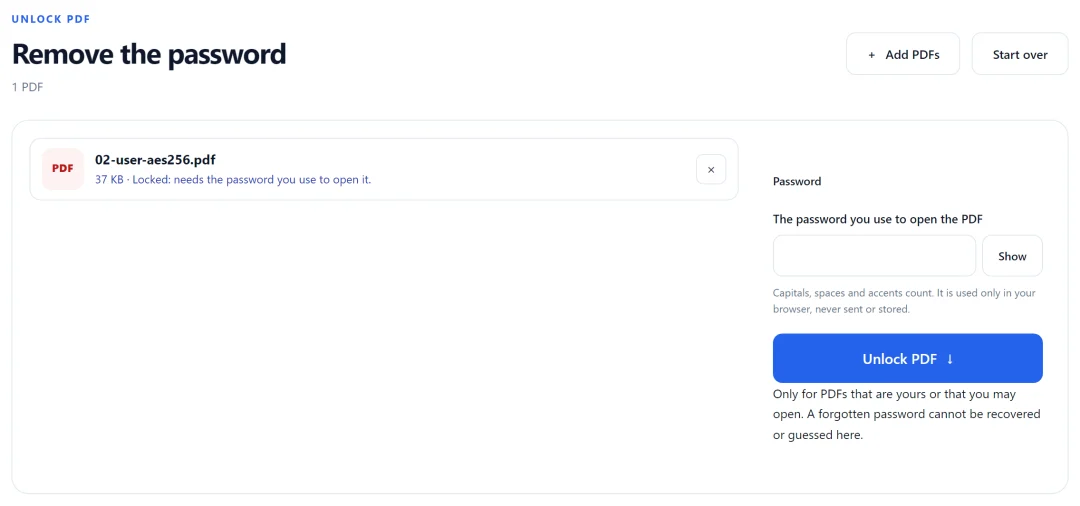
Open Unlock PDF and add one or more PDFs (up to 20, up to 100 MB each). Each is checked at once and labelled, for example "Locked: needs the password you use to open it."
Type the password
Type the password you use to open the PDF. Capitals, spaces and accents count; it is used only in your browser. A wrong password shows "That password is not right."
Download the unlocked copy
Click Unlock PDF. The copy (name-unlocked.pdf) opens without a password, and printing and copying work again. In our test, its text stayed searchable and nothing else changed.
Unlock PDF only works with the password. A forgotten password cannot be recovered, guessed or cracked here. Only unlock PDFs that are yours or that you have the right to open, such as your own statements, bills and forms.
Remove print and copy restrictions
Some PDFs open without a password but will not print or let you copy text. Add such a PDF to Unlock PDF: it is labelled "Only printing, copying or editing is restricted. It can be unlocked without a password." Click Unlock PDF; no password is needed. A PDF with no protection at all is labelled "This PDF is already unlocked."
What Unlock PDF can and cannot open
| Result | |
|---|---|
| Password to open (AES-256, AES-128, RC4 40/128-bit) | Unlocked with the right password |
| Print, copy or edit restrictions only | Unlocked without a password |
| Protected with a digital certificate | Cannot be opened here; the page says so |
| Digitally signed | Pointed out first, because rewriting the file makes the signature show as no longer valid |
Common problems and how to fix them
"That password is not right"
Check capitals, spaces and accents, and that you are using the password that opens the file, not an account password.
The Protect button does not work
It stays off until you have typed the same password in both boxes.
The PDF still prints after I blocked printing
Some PDF readers ignore restrictions. Only the password to open protects the content.
Privacy
Both tools work in your browser. In our tests, protecting and unlocking sent neither the PDF nor the password to the server.
Questions
How do I put a password on a PDF?
Add the PDF to Protect PDF, type a password twice and click Protect · download. The new PDF asks for that password in any PDF reader.
What if I forget the password?
It cannot be recovered, by us or anyone else. Keep a copy of the original PDF.
Can it unlock a PDF if I forgot the password?
No. A PDF that needs a password to open can only be opened with that password. Nothing is guessed or cracked.
My PDF opens but will not print. Can this help?
Yes. Add it to Unlock PDF: PDFs that only block printing or copying are unlocked without a password.
Is anything lost when the password is removed?
No. The pages are not turned into pictures; text stays searchable and the rest of the document is kept.
Are my PDF and password uploaded?
No. Everything happens in your browser.